READYPLAY

Every Apple platform

One run. Every device.

Whether you're keeping score on your Watch, sharing the live board on iPhone, or watching the broadcast on iPad — READYPLAY keeps the whole crew in the game.

📱 iPhone
9:41
Court view
Court view

Apple Watch

Score from your wrist. +1, +2, +3 without touching your phone.

📱

iPhone

Full tap board, live scores, leaderboards, and your player record.

🖥

iPad

Spectate in broadcast mode. Wide-screen stats for the whole crew.

Apple Watch

Score from your wrist. Know your effort.

The READYPLAY Watch app puts the full scoreboard on your wrist during live games — tap +1, +2, or +3 without touching your phone. After your run, it knows how hard you worked: HealthKit feeds heart rate and active energy, Core Motion calibration models your stride and effort so your fitness data actually reflects what happened on court.

  • Wrist scoring

    +1, +2, and +3 buttons with both team names and the live score shown directly on the Apple Watch face — no phone required.

  • Lock Screen / Live Activity

    Pin the live game to your Lock Screen. A clutch alert fires automatically when the margin hits three.

  • HealthKit integration

    Heart rate, resting HR, VO2 max, and active energy are fed from Apple Health into your player profile after every session.

  • Core Motion calibration

    Run a calibration session on court. Stride length and effort baseline are measured by Core Motion and stored to your profile.

  • Effort context

    After games, workouts show real distance, heart-rate zones, and an effort rating — not a generic "workout" event.

READYPLAY
TEAM A
14
TEAM B
12
+1
+2
+3

Tap +1, +2, or +3 — the score updates live on both Watch and iPhone.

In the app

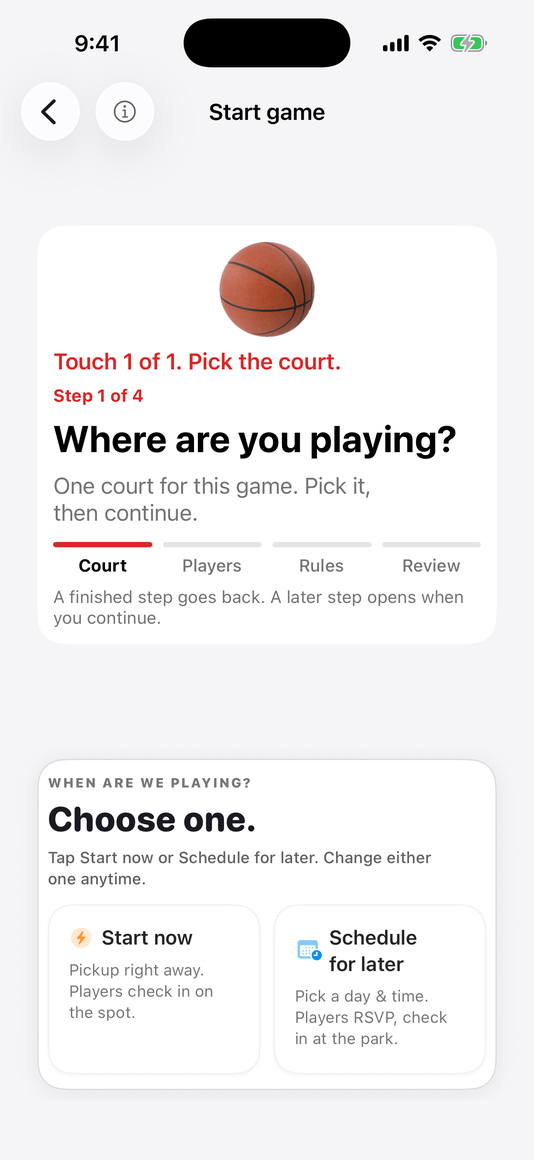
Built for the sideline.

A closer look at the screens players and organizers use most—from the live tap board to the leaderboard after the run.

home-screen.pngAdd PNG to public/marketing

Home at a glance—live runs nearby, current conditions, and your leaderboard standing all on one screen.

READYPLAY tap-to-score live board with player tiles and foul controls

Tap any player tile to log a make, miss, or foul. Big rows, quick swipes, optional shot spot and style—the book stays honest even in bright sun.

team-setup.pngAdd PNG to public/marketing

Drag players into position before tip-off. Each tile shows the player's rating so balanced matchups happen before the whistle, not after.

READYPLAY leaderboard showing scoring, streaks, and shot-style splits

Scroll through scoring, threes, layups, win streaks, and more—each ranked against the people you actually played with.

READYPLAY Achievement Hall showing badges, trophies, and prestige levels

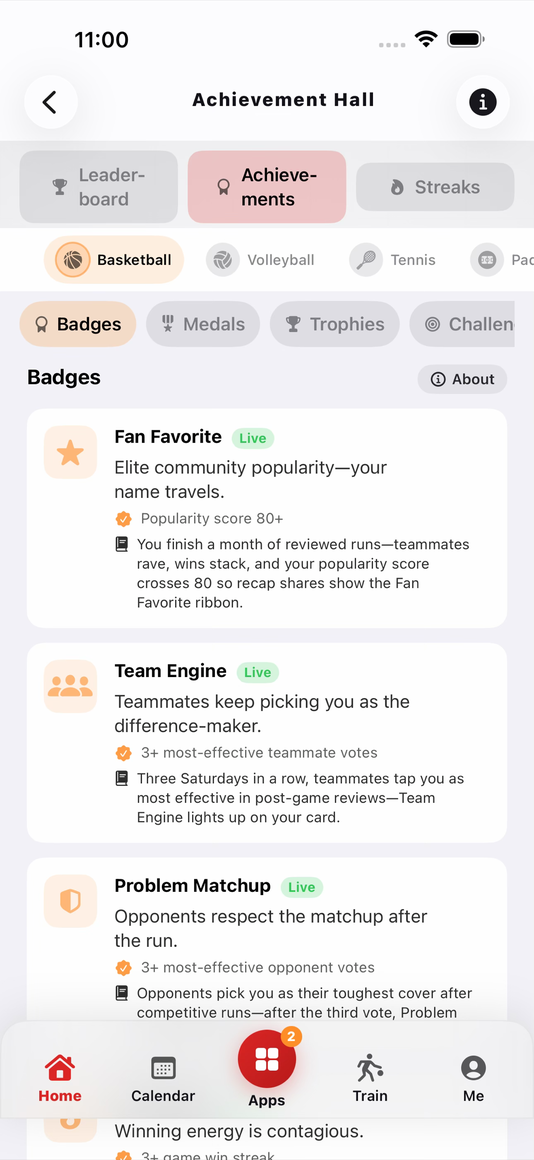
Achievement Hall—park medals, milestone trophies, timed challenges, and prestige levels earned from finished, reviewed games.

profile-ovr.pngAdd PNG to public/marketing

Your OVR card: overall rating, 10 attributes, split stats by court and conditions, conduct grade, and a reputation built by the people you played with.

game-summary.pngAdd PNG to public/marketing

The finished record—final score, player stat breakdown, shot map, and the integrity check that locks the run in place.

READYPLAY Play Sites map showing court pins and venue discovery

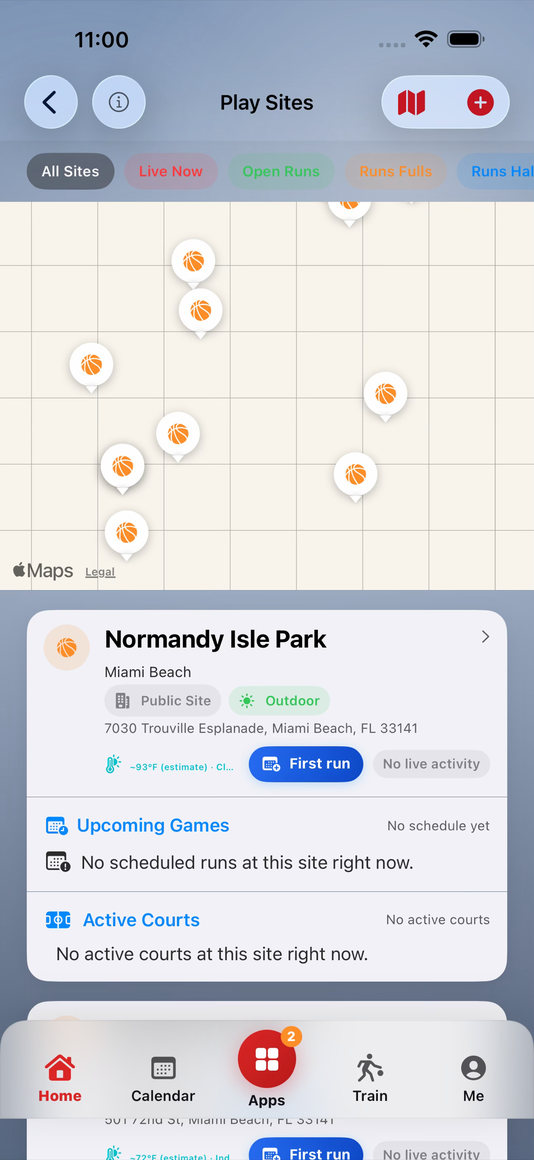
Play Sites pins real parks—pick from map or list, see who's playing now, and start a game anchored to an actual court.

READYPLAY credits screen showing earned credits and StoreKit bundles

Credits earned for scorekeeping and neutral roles—the bench economy that recognizes the labor keeping pickup honest.

READYPLAY spectator broadcast view showing live score and timeline

CloudKit broadcast keeps followers on the same timeline as the scorekeeper—score from Apple Watch while friends follow from the sideline.

Be first on the list.

Drop your email and we'll send you a TestFlight invite when the next cohort opens.

TestFlight invite · No spam · Unsubscribe any time

Devices — READYPLAY